I may have (or maybe I haven’t) mentioned that I don’t use Photoshop, GIMP, PDN or any other commercial photo editing programs to do my post-processing. I use a couple of web-based programs, mainly picmonkey.com. I’ve tried using GIMP and PDN before, and while I could use the basic tools, I just preferred using picmonkey. It’s simple, intuitive and allowed me the freedom to concentrate on sharpening my skills within the confines of that program.
However, there are limitations to what you can do with it. So, finding myself with some free time on my hands, I have decided to learn to use PS. I downloaded the trial version of CS6, armed myself with a mass of tutorials and took the plunge.
Sadly, I am lacking in one key attribute for learning a new skill: patience. I don’t think it helps that I have tried to learn this while I’m ill (I have a nasty cold or flu or some-such ickiness), so my normally thin level of patience has been eroded further. Not to mention my concentration levels.
However, I have persevered. And I’ve completed my first project in PS CS6. It’s not great, but it’s a start…right?
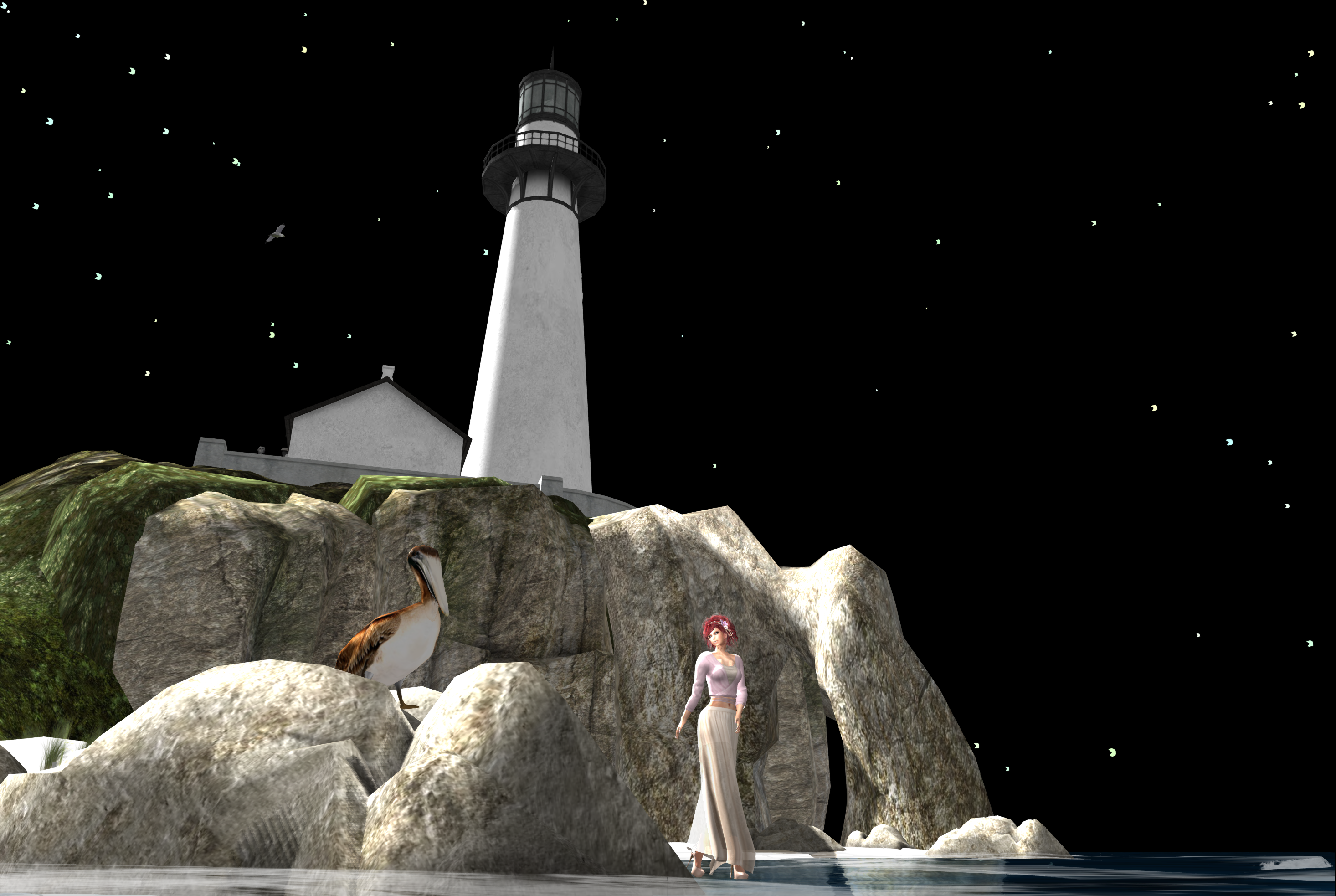
I went back to my Neva River photos. I wasn’t happy with any of my final results using picmonkey, so I tried again in PS. I really liked this first image, especially the pelican, but the foreground needed some fine-tuning and I didn’t like the sky.
And in this second photo, I loved the sky, but there wasn’t enough detail in the foreground to my liking.
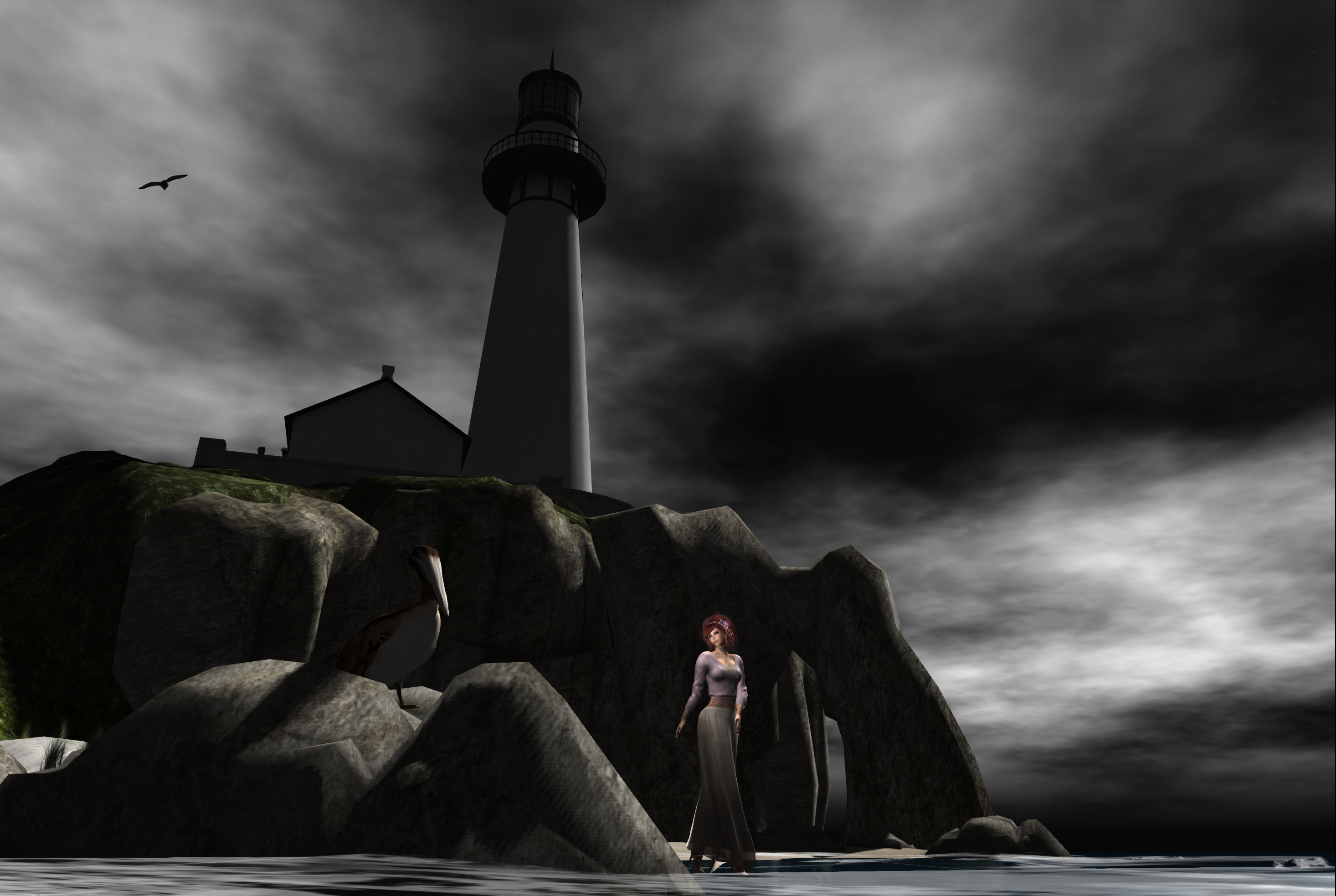
Try as I might, picmonkey just doesn’t have the capability to easily make the changes I wanted in either of these photos.
After hours of banging my head against the desk, cursing like a trucker and repeated returns to my tutorials, I came up with this:
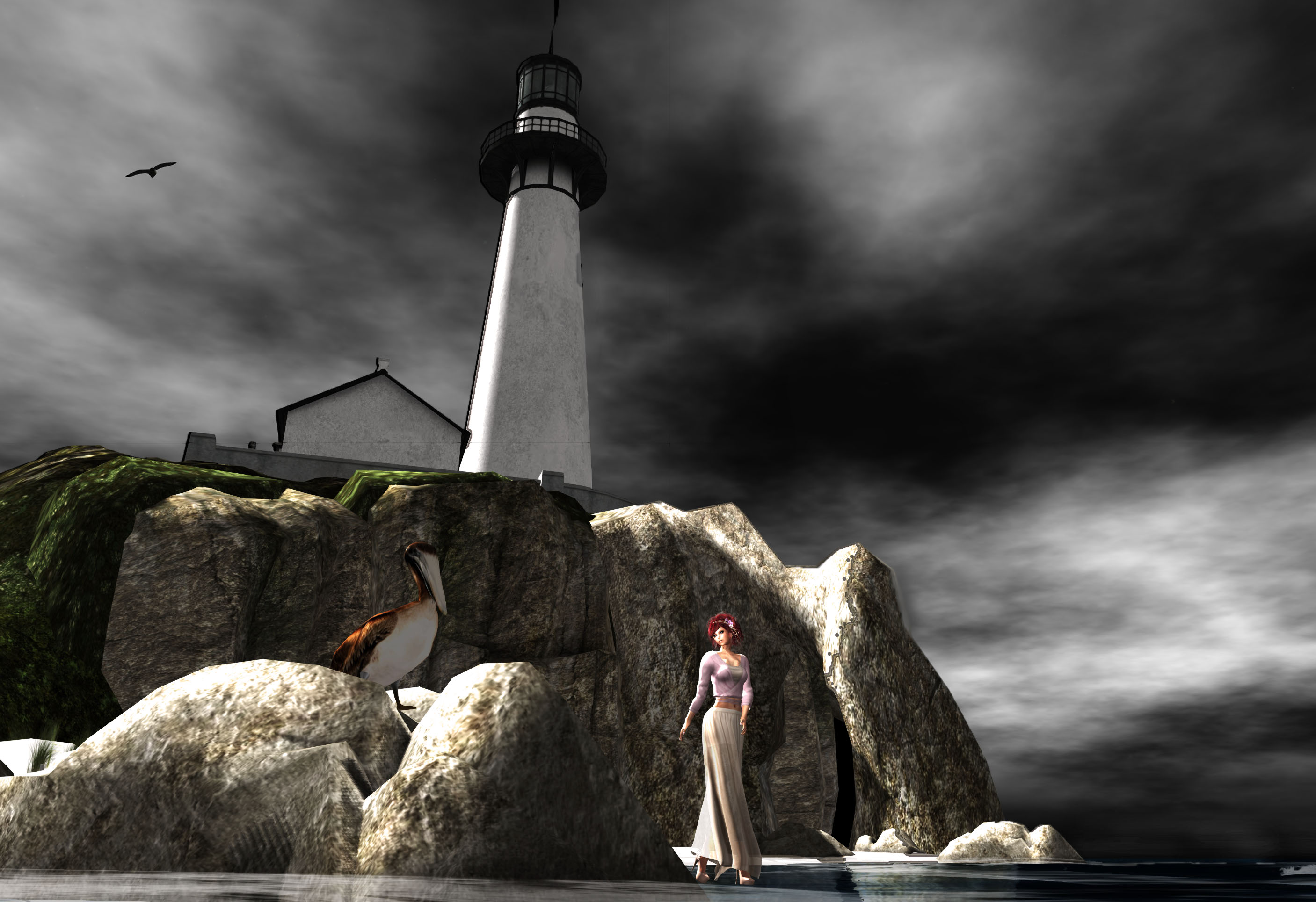
It still needs work, I know. I can see things in each photo that I would like to incorporate into the final version, and additional effects I’d like to try, but those can wait. Oh, and with PS, I CAN go back and make those changes. Not something I can do in picmonkey, after I’ve closed the image.
Photoshop tells you to “see what’s possible”. I’ve opened that door a crack and if it’s not the death of me, I’ll soon be showing you what’s on the other side.